

📌 Introduction
Technology is now at the center of modern education. In 2026, teachers and students no longer rely only on textbooks and notebooks—they use free educational apps to learn, teach, revise, and collaborate.
The good news? Many of the most powerful tools are completely free and easy to use.
This guide highlights the best free educational apps for teachers and students that can transform learning inside and outside the classroom.
🎯 Why Educational Apps Matter
Educational apps help to:
- 📚 Improve learning efficiency
- 🧠 Make lessons more interactive
- ⏱️ Save teacher preparation time
- 🎯 Increase student engagement
- 🌍 Support remote and blended learning
🏆 Best Free Educational Apps for Teachers and Students
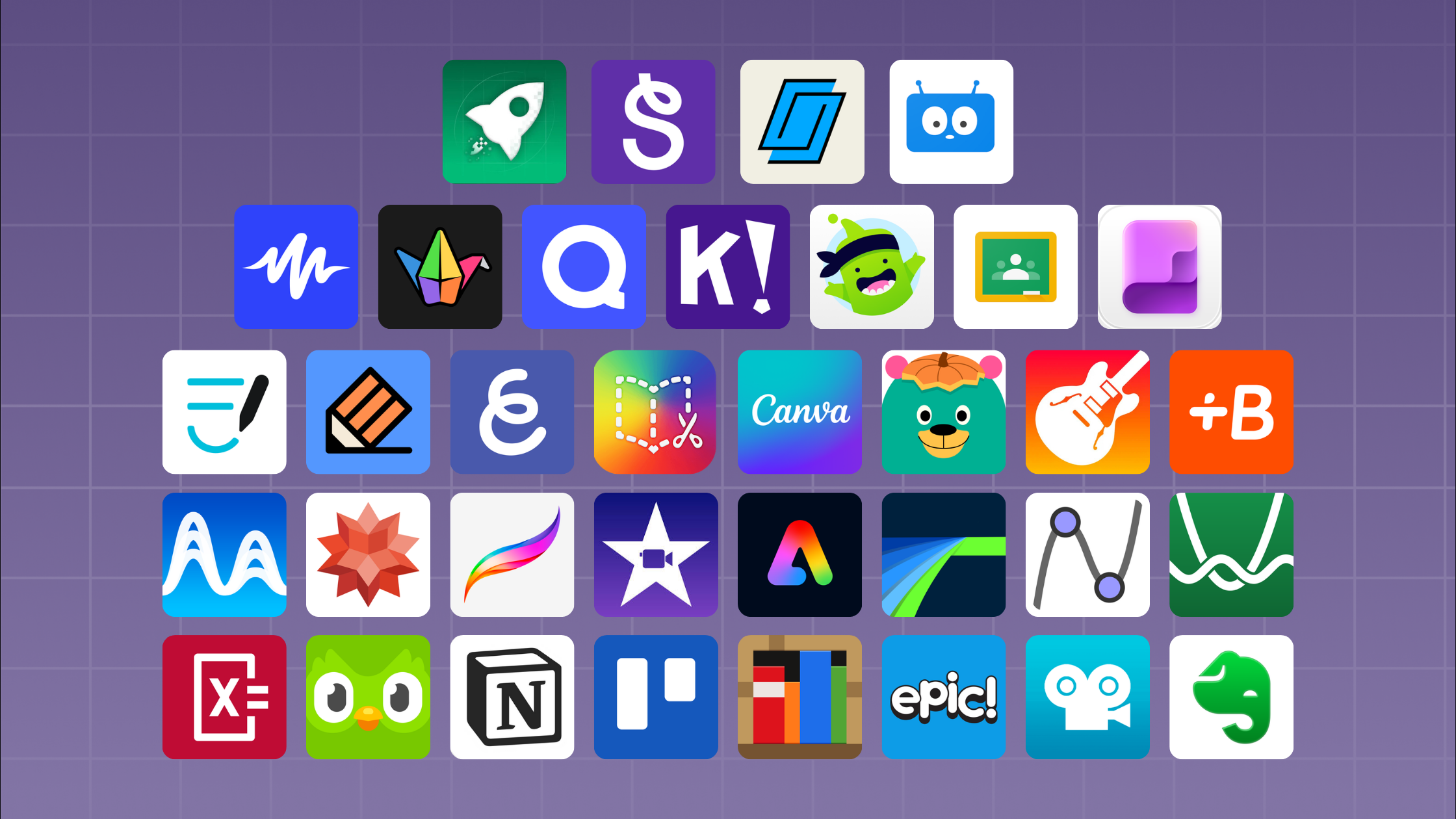
📱 1. Google Classroom
Google Classroom
💡 What it does:
- Organizes assignments
- Shares learning materials
- Provides feedback easily
🎯 Best for:
Managing full classrooms digitally
🧠 2. ChatGPT
ChatGPT
💡 What it does:
- Explains difficult topics
- Generates lesson plans
- Helps with homework support
🎯 Best for:
Teachers and students who need quick explanations and ideas
🎮 3. Kahoot!
Kahoot!
💡 What it does:
- Turns quizzes into games
- Boosts classroom engagement
- Encourages competition
🎯 Best for:
Fun revision and active learning
🧩 4. Quizizz
Quizizz
💡 What it does:
- Interactive quizzes
- Self-paced learning
- Instant feedback
🎯 Best for:
Revision and assessment activities
🎨 5. Canva for Education
Canva
💡 What it does:
- Create presentations
- Design worksheets
- Make posters and visuals
🎯 Best for:
Teachers creating visual learning materials
📚 6. Microsoft Teams for Education
Microsoft Teams
💡 What it does:
- Virtual classrooms
- Video lessons
- Group collaboration
🎯 Best for:
Online and blended learning environments
📖 7. Duolingo
Duolingo
💡 What it does:
- Language learning through games
- Daily practice exercises
- Progress tracking
🎯 Best for:
Students learning new languages
🧠 8. Edmodo
Edmodo
💡 What it does:
- Classroom communication
- Assignment sharing
- Learning community building
🎯 Best for:
Teacher-student interaction and collaboration
📝 9. Microsoft OneNote
Microsoft OneNote
💡 What it does:
- Digital notebooks
- Organized note-taking
- Easy sharing
🎯 Best for:
Students organizing study notes
📊 10. Socrative
Socrative
💡 What it does:
- Real-time quizzes
- Instant feedback
- Exit tickets
🎯 Best for:
Quick classroom assessments
🧑🏫 How Teachers Can Use These Apps Effectively
- Combine apps for teaching and assessment
- Use games for revision sessions
- Assign homework digitally
- Track student progress regularly
- Encourage self-learning outside class
📊 Benefits of Using Educational Apps
- 📚 Better student engagement
- ⏱️ Saves teacher time
- 🧠 Improves understanding
- 🌍 Supports remote learning
- 🎯 Enhances performance
⚠️ Common Mistakes to Avoid
- ❌ Using too many apps at once
- ❌ Not training students properly
- ❌ Relying only on technology
- ❌ Ignoring offline learning balance
🔮 Final Thoughts
Free educational apps have completely changed modern teaching and learning. When used correctly, they make classrooms more interactive, efficient, and enjoyable.
The best approach is not to replace traditional teaching—but to enhance it with smart digital tools.
📣 Call to Action
👉 Want more digital teaching resources?
👉 Visit teacherfeeds.com for daily updates
👉 Share this article with fellow teachers
🏷️ SEO Keywords
best educational apps for teachers, free learning apps 2026, classroom apps for students, teaching technology tools, digital learning apps, education apps free download
🔗 Internal Linking Suggestions
- AI Tools for Teachers
- Active Learning Strategies
- Classroom Management Guide
- ChatGPT Prompts for Teachers
If you