

📌 Introduction
Lesson planning is one of the most time-consuming tasks for teachers. Traditionally, it can take hours of preparation, research, and structuring.
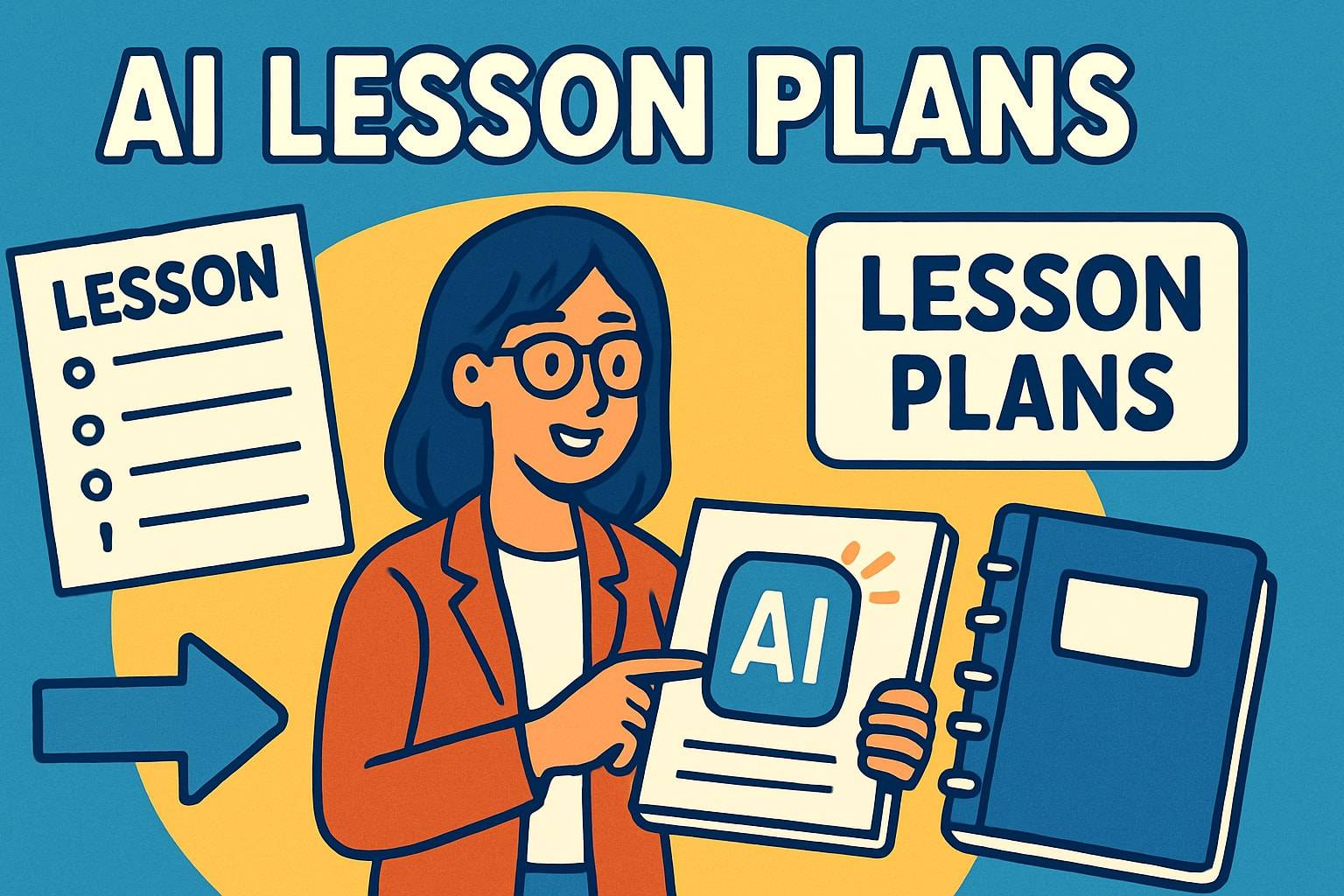
But in 2026, Artificial Intelligence (AI) has completely changed the game. Teachers can now create high-quality lesson plans in just minutes using smart AI tools.
In this guide, you’ll learn a simple step-by-step system to generate lesson plans quickly using AI—without sacrificing quality.
🤖 Why Use AI for Lesson Planning?
AI helps teachers:
- ⏱️ Save 3–5 hours per week
- 📚 Create structured lessons instantly
- 🎯 Personalize learning materials
- 🧠 Reduce workload stress
Tools like ChatGPT are now widely used to simplify lesson preparation.
🧑🏫 Step-by-Step Guide to Creating Lesson Plans with AI
✅ Step 1: Define Your Lesson Topic
Start by clearly identifying:
- Subject (Math, English, Science, etc.)
- Grade level
- Lesson objective
Example:
“Grade 5 English – Understanding Past Tense”
👉 Clear input = better AI output
✅ Step 2: Open an AI Tool
Use any AI-powered assistant such as:
- ChatGPT
- MagicSchool AI
- TeachMateAI
These tools can instantly generate structured lesson plans.
✅ Step 3: Use a Clear Prompt
Your prompt is very important.
💡 Example prompt:
“Create a detailed lesson plan for Grade 6 Science on the topic of ‘Photosynthesis’ including objectives, teaching steps, activities, and assessment questions.”
👉 The more specific you are, the better the result.
✅ Step 4: Review and Customize the Plan
AI-generated content is a starting point—not the final version.
Make sure to:
- Adjust language level
- Add local examples
- Align with your curriculum
✅ Step 5: Add Activities and Engagement
Enhance your lesson plan with:
- Group work
- Class discussions
- Interactive questions
- Real-life examples
👉 This improves student understanding and participation.
✅ Step 6: Generate Worksheets and Exercises
Use AI to create supporting materials like:
- Quizzes
- Worksheets
- Homework tasks
This saves even more preparation time.
✅ Step 7: Finalize and Save Your Lesson Plan
Organize your lesson into:
- Introduction
- Teaching steps
- Activities
- Assessment
Save it for future use or reuse with different classes.
🧠 Example AI Lesson Plan Output
Subject: English
Topic: Past Tense Verbs
Objective: Students will identify and use past tense verbs correctly.
Activities:
- Fill-in-the-blank exercises
- Sentence correction
- Group storytelling
Assessment:
- Short quiz
- Oral practice
🚀 Benefits of Using AI for Lesson Planning
- ⏱️ Saves hours of preparation
- 📚 Improves lesson structure
- 🎯 Enhances teaching quality
- 🧑🏫 Reduces stress for teachers
- 🌍 Supports modern digital teaching
⚠️ Common Mistakes to Avoid
- ❌ Copying AI output without review
- ❌ Using vague prompts
- ❌ Ignoring curriculum standards
- ❌ Not customizing for students
💡 Pro Tips for Better Results
- Always specify grade level
- Include learning objectives in prompts
- Ask AI for multiple versions
- Combine AI with your teaching experience
🔮 The Future of Lesson Planning
In the coming years, AI will:
- Generate full curriculum plans
- Adapt lessons to each student
- Provide real-time teaching support
- Automate assessments
Teaching will become more efficient and personalized.
🔚 Conclusion
AI is transforming education by making lesson planning faster, easier, and more effective. With the right approach, teachers can now create high-quality lesson plans in minutes instead of hours.
The key is simple: use AI as a support tool, not a replacement for your teaching expertise.
📣 Call to Action
👉 Want more AI teaching strategies?
👉 Visit teacherfeeds.com for daily updates
👉 Share this guide with fellow teachers
🏷️ SEO Keywords
AI lesson planning, how to create lesson plans with AI, lesson planning tools for teachers, AI teaching tools 2026, fast lesson planning, ChatGPT lesson plans
🔗 Internal Linking Suggestions
- Best AI Tools for Teachers in 2026
- Top 20 AI Tools for Teachers
- How AI Is Transforming Classrooms
- Passive Income Ideas for Teachers